Wallpaper Engine 中 CodeTime 壁纸修改 Progress 模块
引言
最近在使用 Wallpaper Engine 上的 CodeTime 壁纸时,我发现只有一个 dayProgress 未免有点单调,所以想给壁纸添上 monthProgress 和 yearProgress 模块🤔
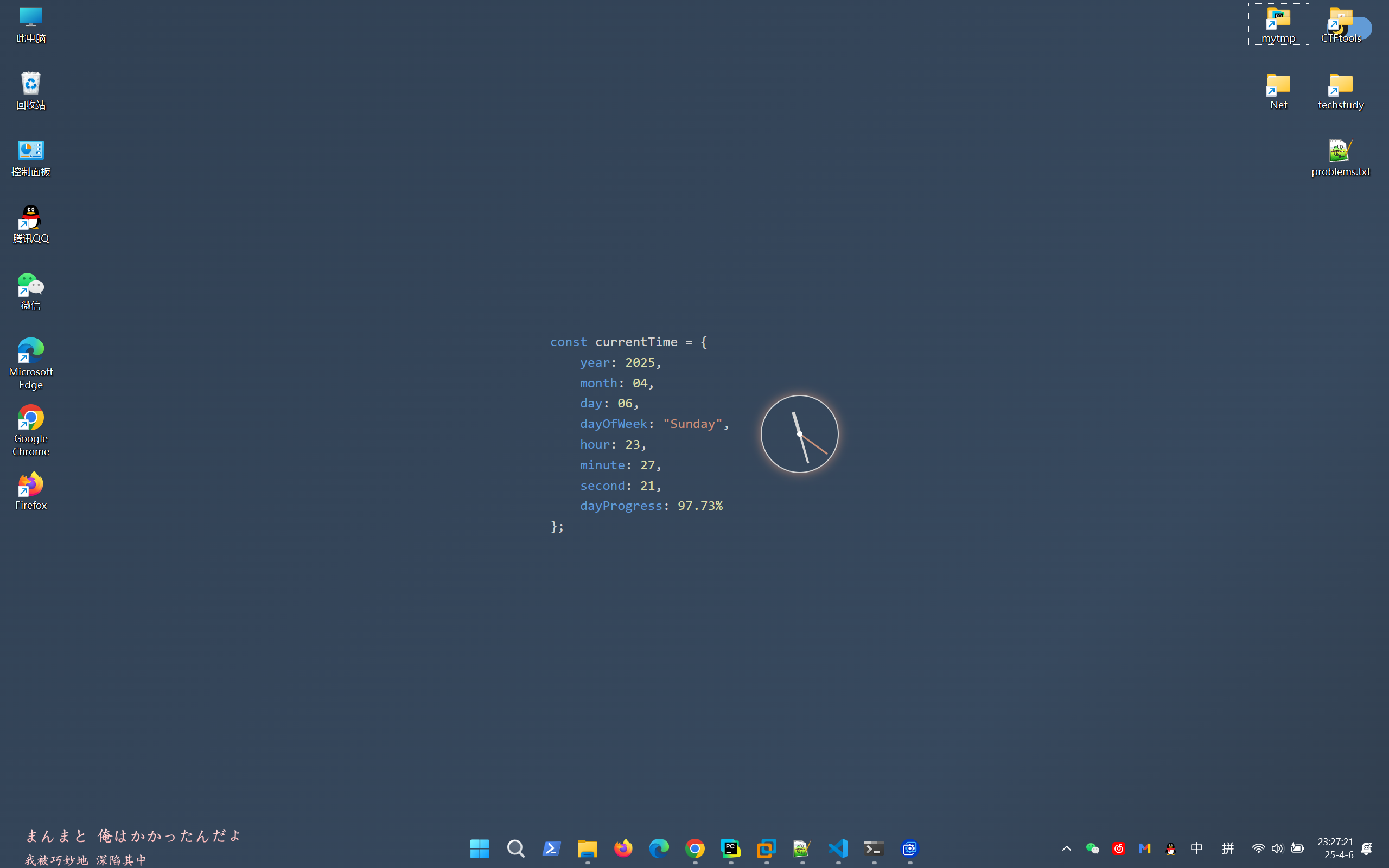
这是当前的样式
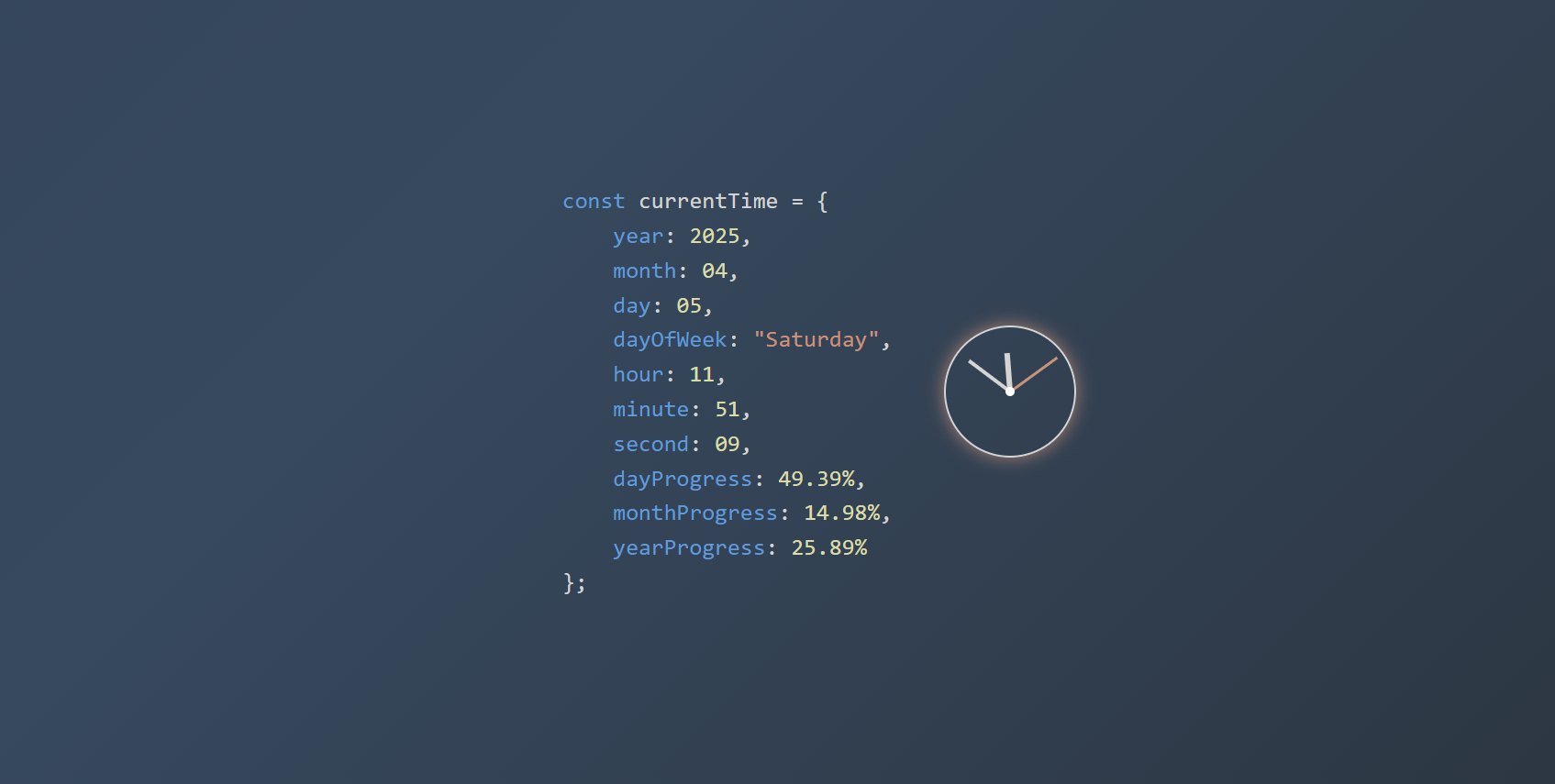
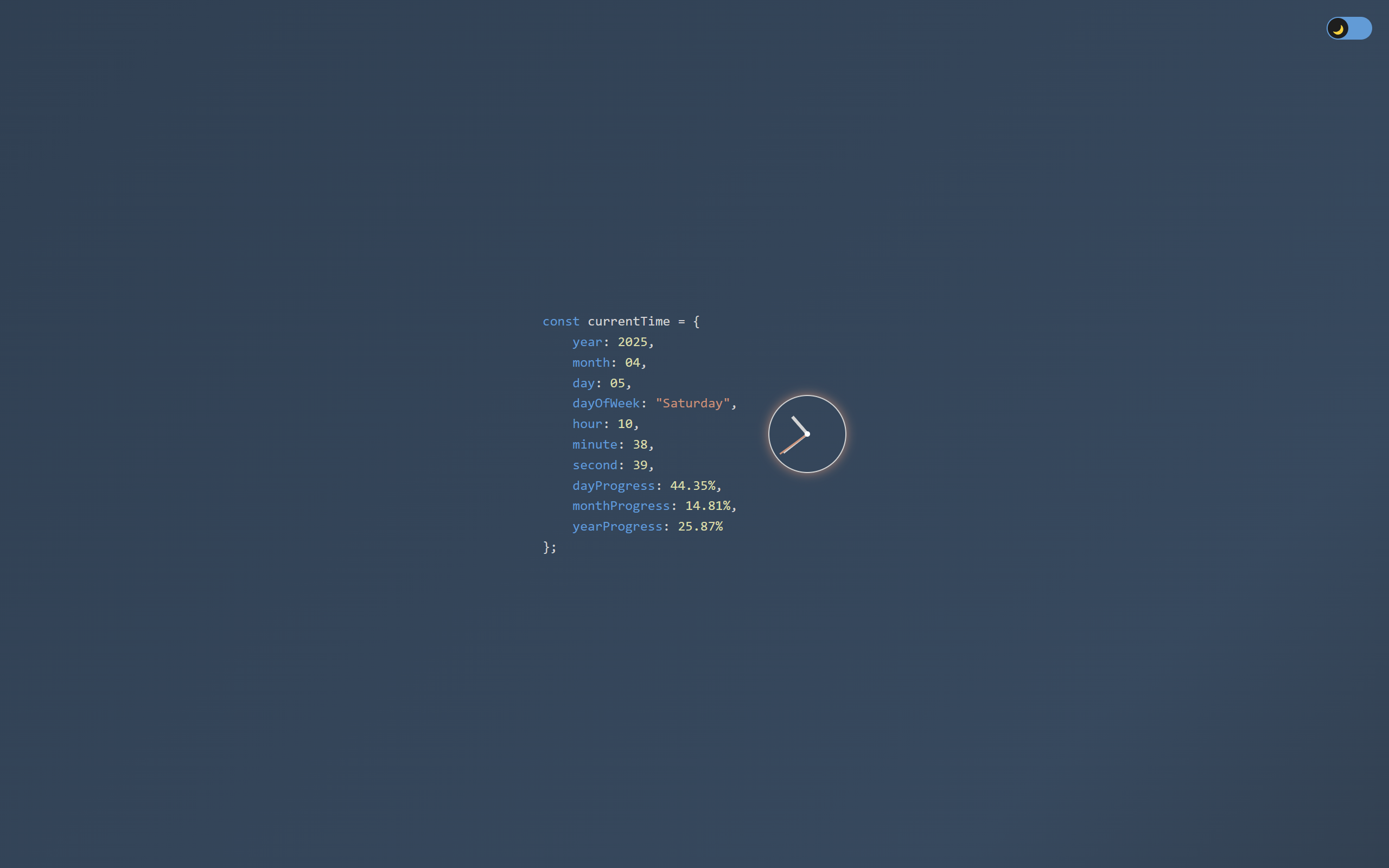
这是改后的样式
可以看到只有dayProgress,现在我们对壁纸进行修改,这种壁纸是以html实现的,所以我们只需要修改源文件的代码
步骤
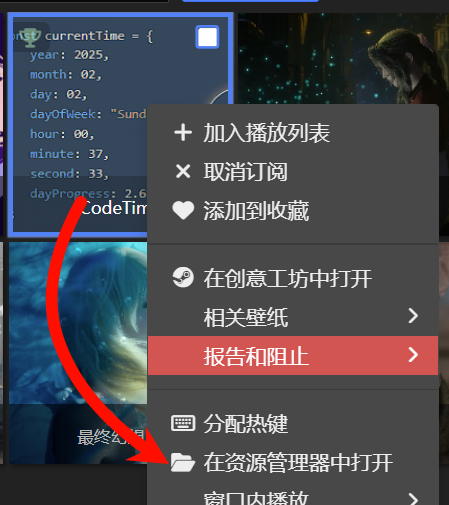
打开wallpaper engine找到壁纸,右键点击“在资源管理器中打开”
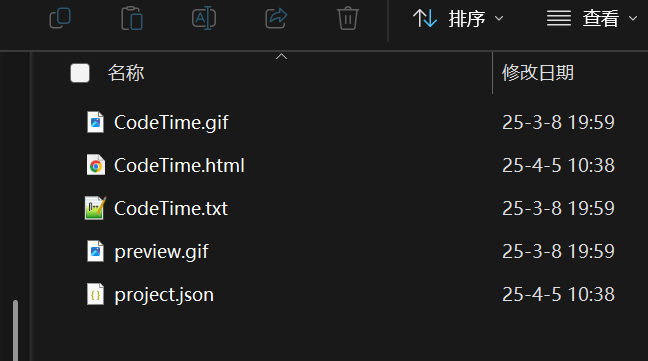
我们在vscode中打开这个文件夹,以下是改之前的代码
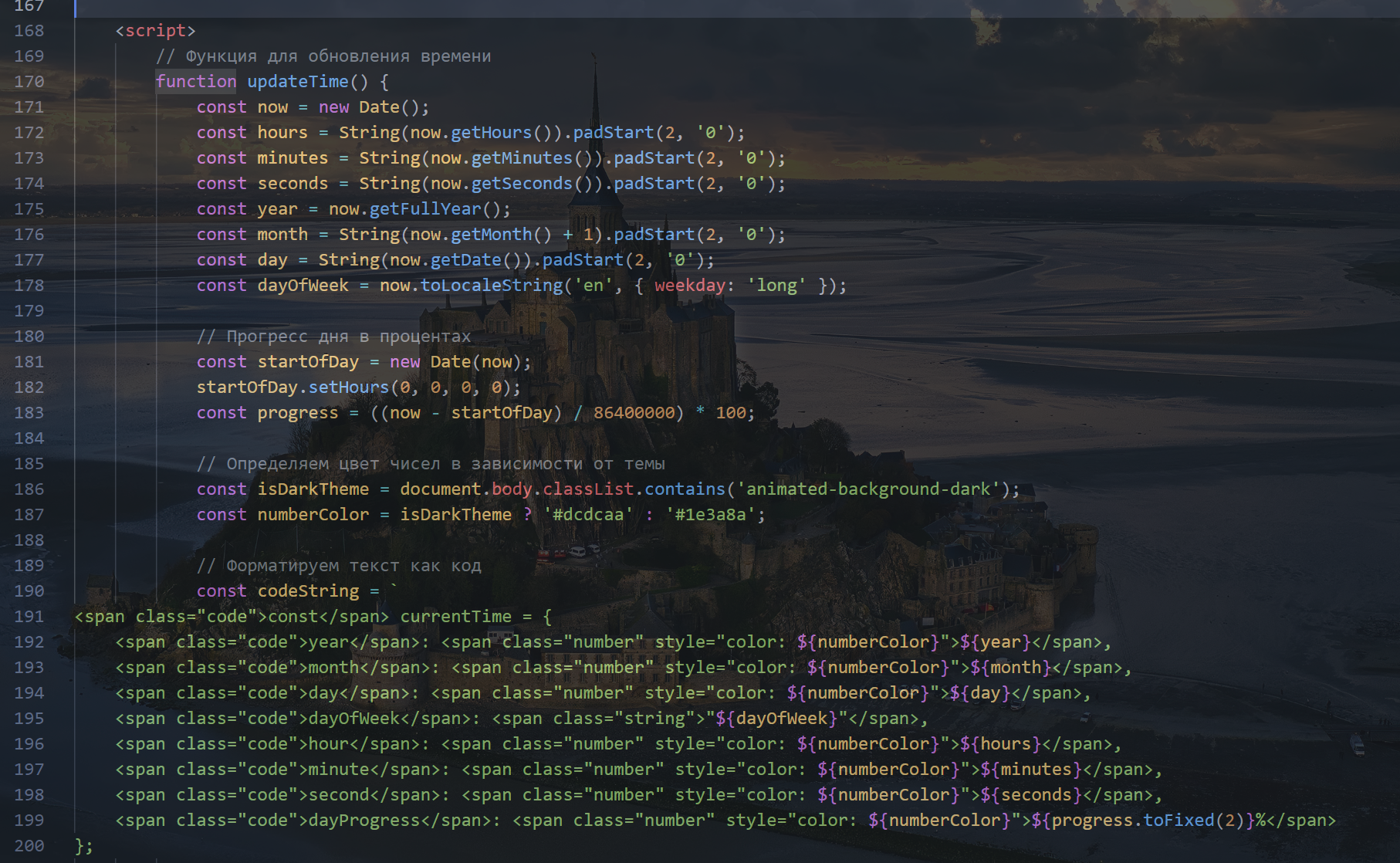
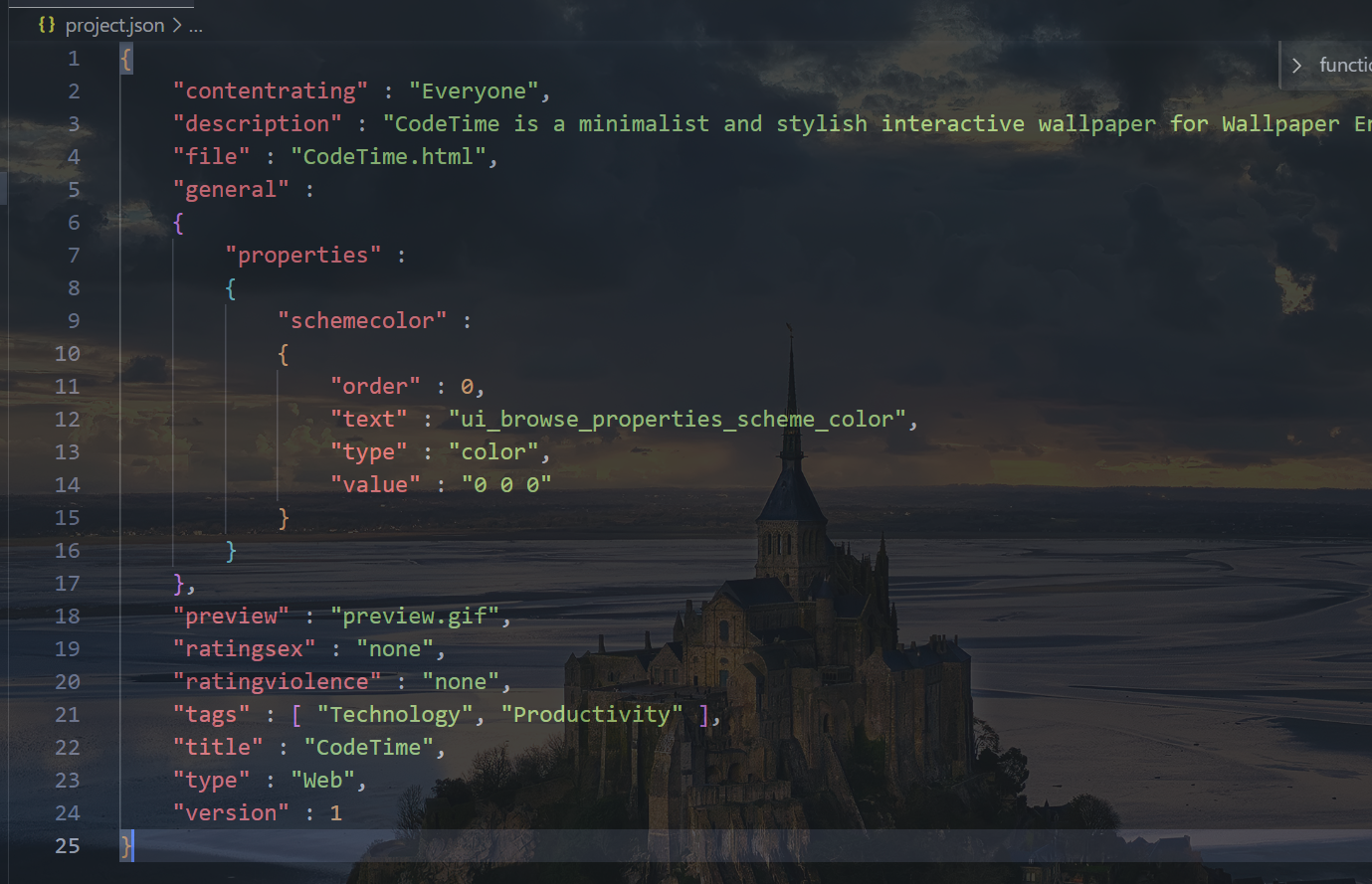
先修改
html代码,我们定位到function updateTime函数,将以下代码替换到原本对于progress的计算相关的代码块1
2
3
4
5
6
7
8
9
10
11
12
13
14// 计算日进度
const startOfDay = new Date(now);
startOfDay.setHours(0, 0, 0, 0);
const dayProgress = ((now - startOfDay) / 86400000) * 100;
// 计算月进度
const startOfMonth = new Date(year, now.getMonth(), 1);
const endOfMonth = new Date(year, now.getMonth() + 1, 1);
const monthProgress = ((now - startOfMonth) / (endOfMonth - startOfMonth)) * 100;
// 计算年进度
const startOfYear = new Date(year, 0, 1);
const endOfYear = new Date(year + 1, 0, 1);
const yearProgress = ((now - startOfYear) / (endOfYear - startOfYear)) * 100;接下来修改
codeString变量,我们定位到codeString,将以下代码替换掉原本的代码1
2
3
4
5
6
7
8
9
10
11
12
13
14const codeString = `
<span class="code">const</span> currentTime = {
<span class="code">year</span>: <span class="number" style="color: ${numberColor}">${year}</span>,
<span class="code">month</span>: <span class="number" style="color: ${numberColor}">${month}</span>,
<span class="code">day</span>: <span class="number" style="color: ${numberColor}">${day}</span>,
<span class="code">dayOfWeek</span>: <span class="string">"${dayOfWeek}"</span>,
<span class="code">hour</span>: <span class="number" style="color: ${numberColor}">${hours}</span>,
<span class="code">minute</span>: <span class="number" style="color: ${numberColor}">${minutes}</span>,
<span class="code">second</span>: <span class="number" style="color: ${numberColor}">${seconds}</span>,
<span class="code">dayProgress</span>: <span class="number" style="color: ${numberColor}">${dayProgress.toFixed(2)}%</span>,
<span class="code">monthProgress</span>: <span class="number" style="color: ${numberColor}">${monthProgress.toFixed(2)}%</span>,
<span class="code">yearProgress</span>: <span class="number" style="color: ${numberColor}">${yearProgress.toFixed(2)}%</span>
};
`;下面是修改后的代码截图
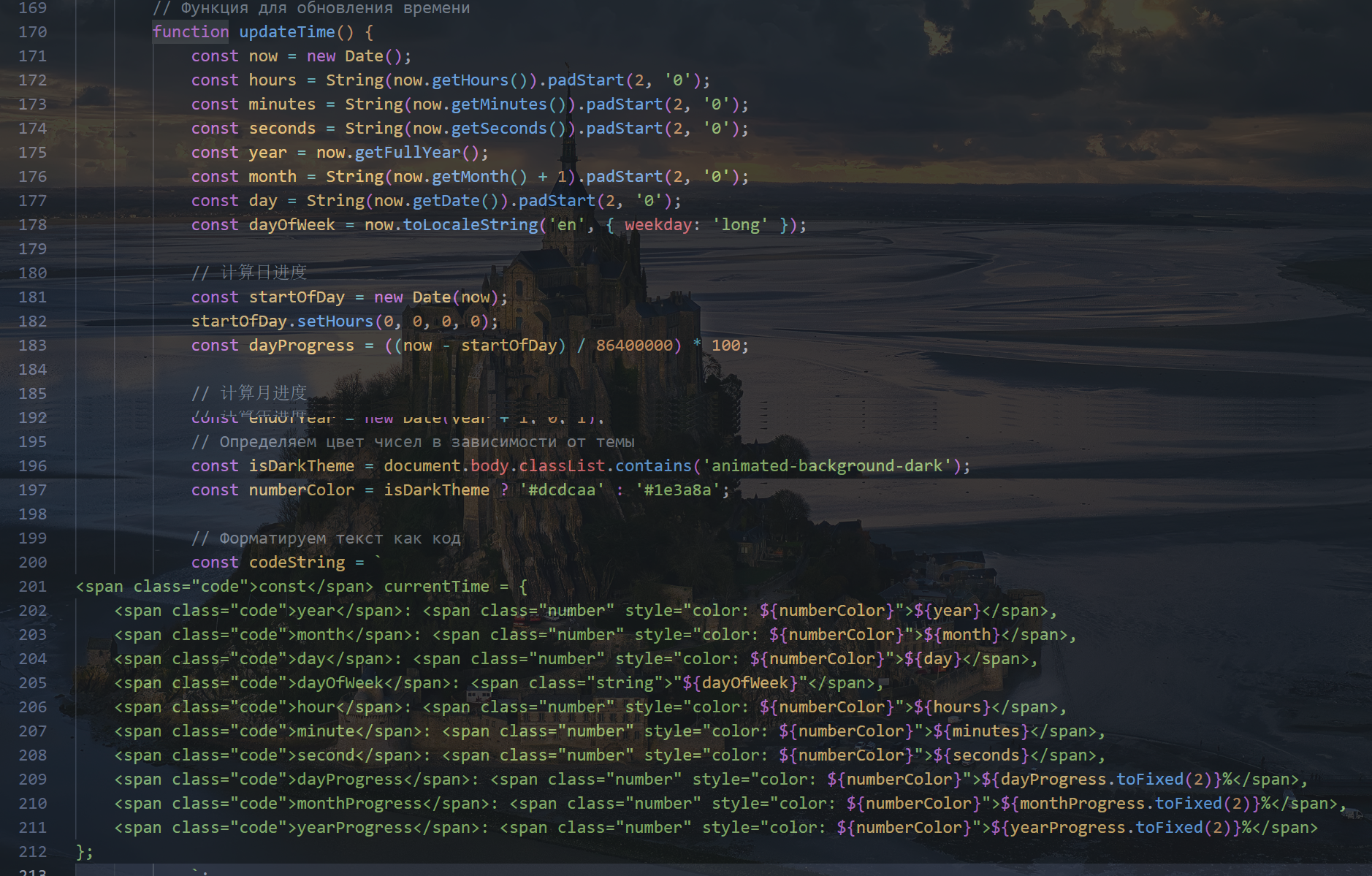
接下来我们修改
json,我们将Productivity添加到tag中,version可以选择改为1修改后的代码如下
保存两个文件
效果
经过以上修改后我们打开Wallpapaer Engine先切换到其他壁纸,再点击CodeTime壁纸切换回来,返回桌面发现多了monthProgress和yearProgress两个模块,最终的效果如下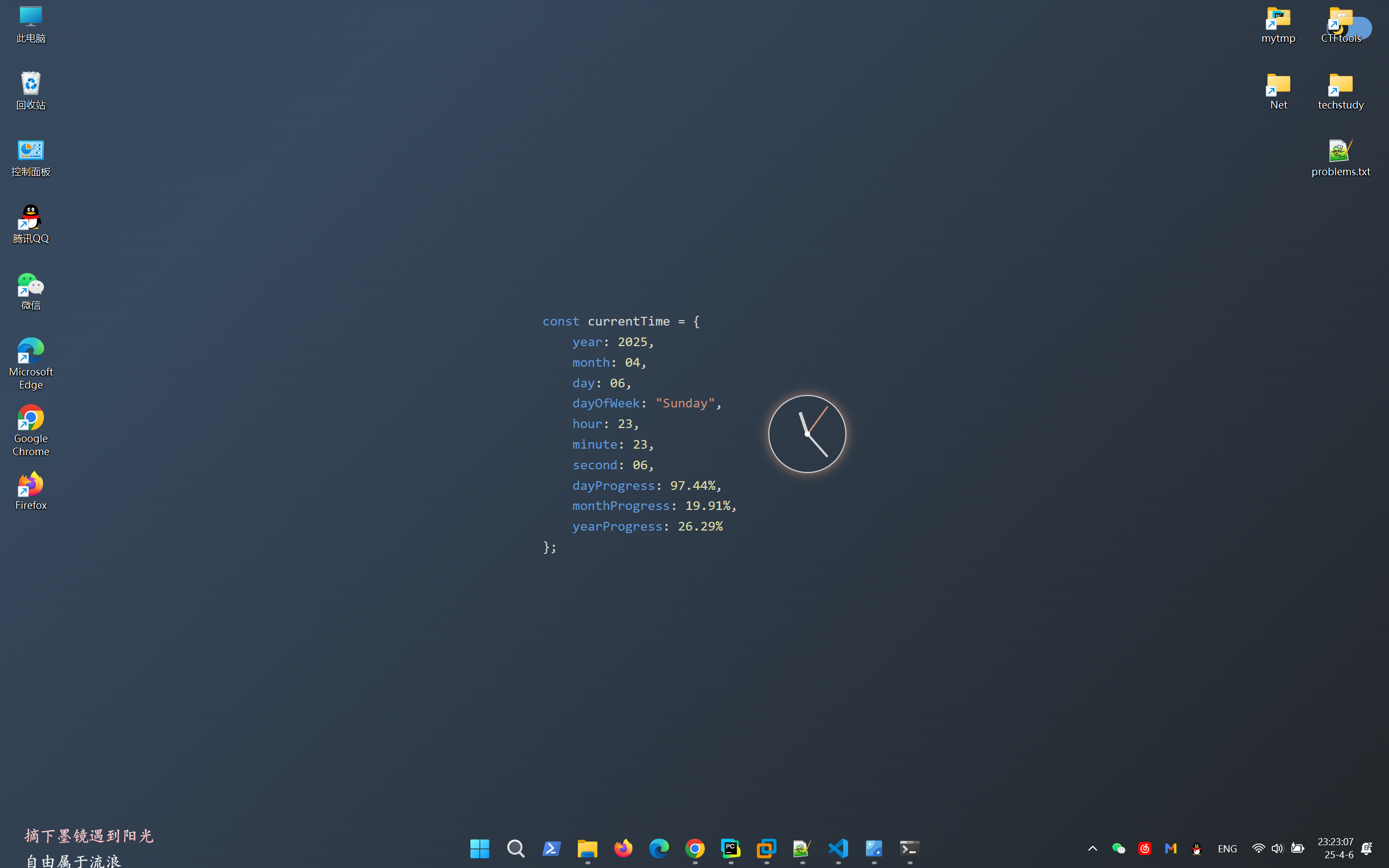
希望这些内容可以帮到你😉
本博客所有文章除特别声明外,均采用 CC BY-NC-SA 4.0 许可协议。转载请注明来源 Ttungx!
评论